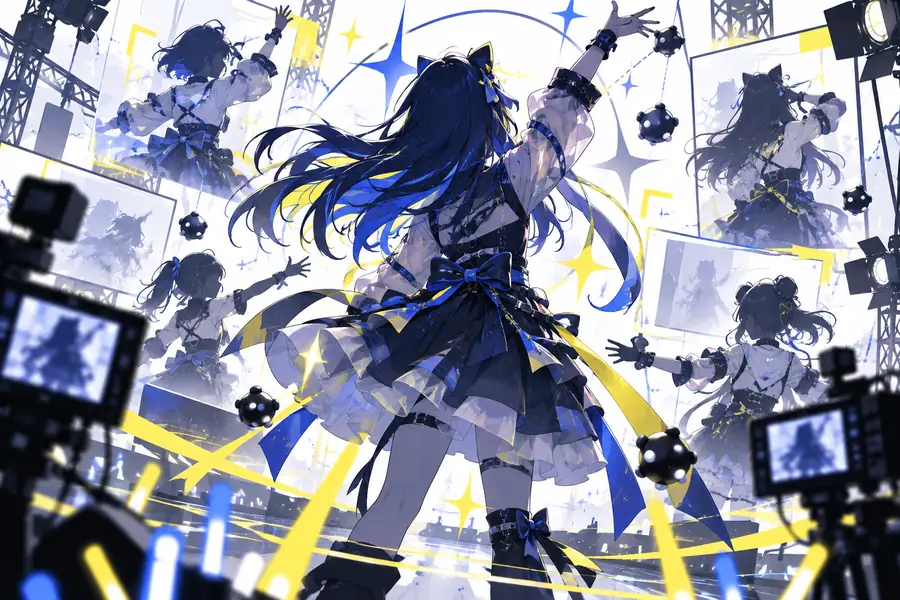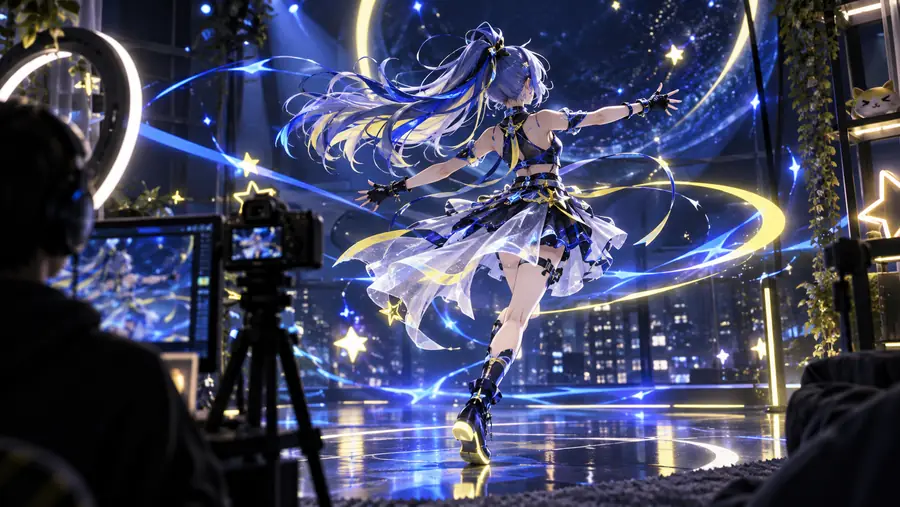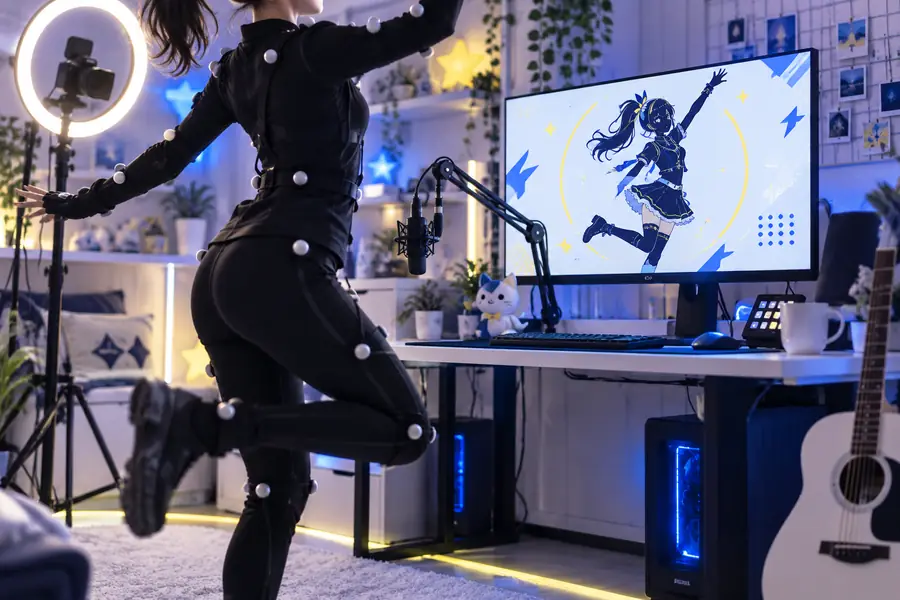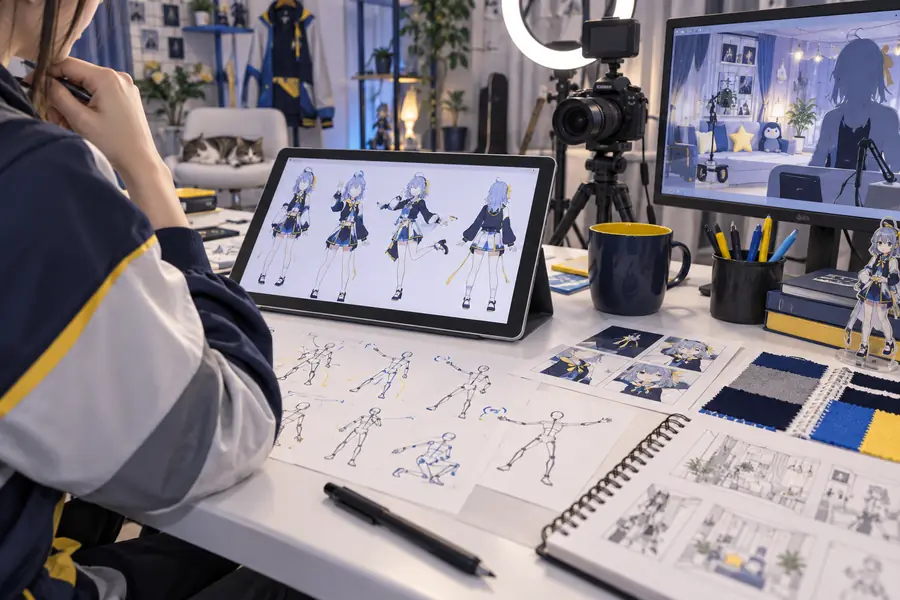
Character video

Piapi VTuber tools for expressive character scenes

Piapi vtuber workflows help creators turn a character concept, script, or reference frame into a clearer production starting point. Use the console to describe the shot you want, then refine the result in your preferred editing pipeline.

Free to start · no signup
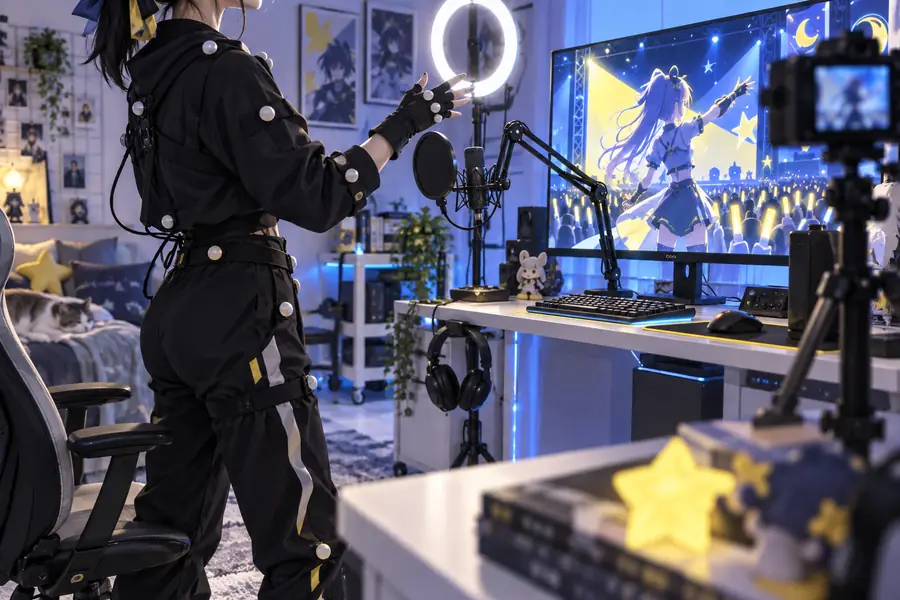
Piapi video generation workspace with a stylized character scene

The production problem

The VTuber scenario's pain

A character video can look simple on paper, yet consistency, timing, and usable framing create friction when every clip starts from scratch.

Solo VTuber

You need a short intro, intermission, or announcement without recording a new performance for every variation.

Start from a written scene brief and create a visual draft that can guide editing, voice work, and compositing.

draft a solo VTuber intro

Stream editor

You are assembling recurring overlays and social clips while keeping the avatar's mood, framing, and visual language recognizable.

Use structured prompts to compare alternate shots before committing time to a full edit.

compare recurring character shots

Indie animation team

A small team needs quick visual references for blocking, camera direction, and scene atmosphere before polishing assets.

Turn early ideas into reviewable motion studies that make creative feedback more concrete.

create a motion study

VTuber agency producer

Multiple creators need concept variations for thumbnails, trailers, or campaign pitches without losing the intended audience and tone.

Organize prompt experiments around character role, setting, action, and camera so the team can review options consistently.

prepare campaign concepts

Prompt to result

Three concrete VTuber workflows

These examples show how a compact brief can define character action, camera behavior, and environment without burying the important visual direction.

  • Stylized animated character in a colorful environment Greeting 1
    prompt A friendly anime streamer turns toward the camera, smiles, and gives a small wave in a bright studio, gentle camera push-in, clean cel-shaded style
    Character video Expression · gesture · push-in
  • Animated character framed for a streaming scene Reaction 2
    prompt A confident VTuber sits at a glowing desk, reacts with surprise, then points toward the right side of the frame, medium shot, lively neon room
    Character video Reaction · pointing · medium shot
  • Animated avatar performing a short expressive motion Performance 3
    prompt A cheerful virtual performer sways lightly to an upbeat rhythm, keeps the face readable, and ends with a playful peace sign, centered composition
    Character video Motion study · centered frame

Adapt one variable at a time: change the action, camera, or setting while keeping the character description stable.

Practical workflows

Example output from a VTuber pipeline

Treat each generation as a production reference first. The strongest workflow separates concept, movement, review, and final polish instead of asking one prompt to solve everything.

  • Concept
  • Motion
  • Social clip
  • Feature scene showing a stylized character composition
    Concept draftVerified

    Script to talking-point visual

    Start with the line or message the character needs to communicate, then describe the expression, gesture, framing, and background that support it. This creates a visual direction for a later voice, lip-sync, or edit pass.

    1. Write the spoken idea in one sentence
    2. Choose one visible reaction or gesture
    3. Set the camera distance and background
    4. Review the draft for readability
    turn a script into a scene
  • Feature scene showing an animated character in motion
    Motion testVerified

    Reference frame to motion study

    Use a strong reference image as the anchor for pose, costume, and composition, then request a restrained movement rather than a complicated performance. Short, focused motion is easier to evaluate and revise.

    1. Choose a clear reference frame
    2. Name the single motion to test
    3. Specify a stable camera or simple move
    4. Compare the result with the reference
    test character motion
  • Feature scene suited to a short animated social clip
    Social draftVerified

    Scene idea to social variation

    For a short-form post, define the hook, action, visual setting, and end pose. Generate several concepts with only one major change between them, then select the version that reads best in a small portrait or square crop.

    1. Describe the hook and intended audience
    2. Keep the action visible in the opening moment
    3. Add an ending pose or reaction
    4. Check the composition at thumbnail size
    create a social clip draft

Responsible use

Compliance notes

A generated character clip is a draft asset, not automatic clearance for publication. Review the source material, likeness, music, voice, and distribution context before release.

  • It cannot clear someone else's likeness

    A prompt or reference image does not grant permission to imitate a real person, creator, or protected character.

    WorkaroundUse an original avatar or obtain documented permission before publishing a recognizable likeness.

  • It cannot verify music or voice rights

    Visual generation does not confirm that a soundtrack, voice sample, or downloaded audio is licensed for your intended use.

    WorkaroundUse cleared audio and keep records of licenses, permissions, or original recordings.

  • It cannot guarantee character consistency

    Small changes in pose, camera, or wording may alter costume details, facial features, or accessories across outputs.

    WorkaroundKeep a character reference sheet, reuse stable descriptors, and reserve final continuity work for your editor.

  • It cannot replace a final content review

    A result may contain unwanted text, visual artifacts, accidental similarities, or details that conflict with platform rules.

    WorkaroundInspect every frame, remove problematic material, and apply your channel or agency review checklist.

Review before release

Compliance notes in the final comparison

The before-and-after check is useful for spotting whether a polished scene still preserves the intended character, framing, and publication-safe details.

  • Draft concept
  • Review-ready direction

Compare identity cues, readable action, unwanted text, and any third-party elements before the clip enters your publishing queue.

Initial VTuber scene concept for review
Refined VTuber scene prepared for visual review

Start with one scene

Turn your next VTuber idea into a visual draft

Describe one character, one action, and one camera choice. Piapi gives you a practical starting point for testing the scene before you invest in recording, compositing, or a larger animation pass.

Generate a character scene
  • Begin with a focused prompt
  • Keep the first action easy to judge
  • Review rights and continuity before publishing

Scenario FAQ

Scenario FAQ

It is useful for exploring character scenes, motion studies, reactions, and short-form concepts from written direction. Treat the output as a draft or reference until you complete editing and review.

A generated clip can support an episode, but it does not replace scripting, voice recording, editing, continuity checks, or final export. A practical approach is to use it for selected shots, transitions, or concept development.

Name the character type, visible action, emotion, setting, camera framing, and visual style. Keep the first prompt focused on one main movement, then change only one variable when testing alternatives.

Not necessarily. Character details can shift between generations, especially when the pose, camera, or environment changes, so use stable references and plan for continuity work in post-production.

Publication depends on the rights attached to your character, references, audio, likenesses, and final assets, as well as the rules of the destination platform. Review those permissions yourself before commercial or public release.

Start creating
Start creating